
Method and Constructor Overloading in Java

1. Overloaded Methods in Java
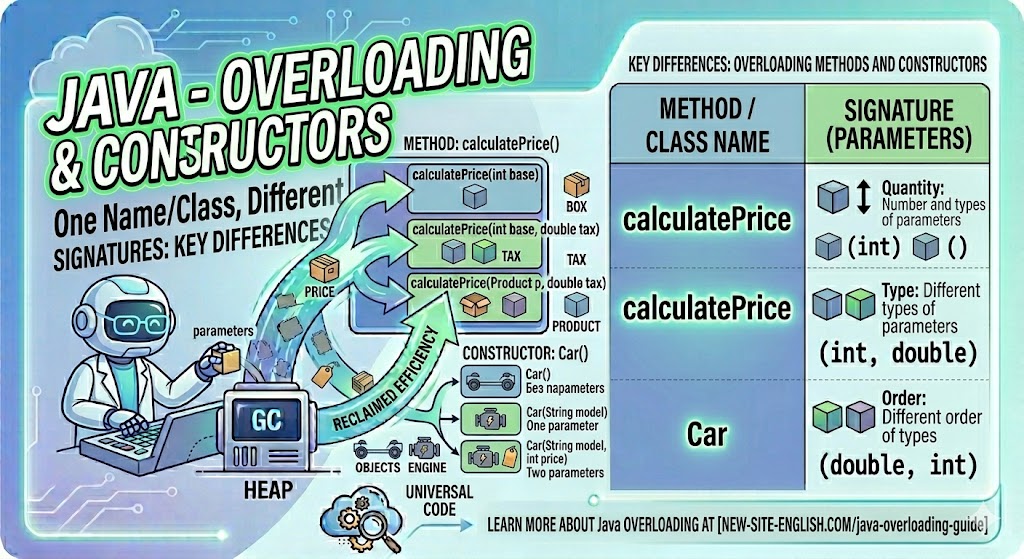
In Java, it is possible to define two or more methods within the same class that share the same name, as long as their parameter declarations are different. This process is known as method overloading. For example, in the following case, a single class declares two methods named test, but with different parameters:
public class OverloadingExample1 {
    void test(int a) {
        System.out.println("a: " + a);
    }

    void test(int a, int b) {
        System.out.println("a and b: " + a + " " + b);
    }

    public static void main(String[] args) {
        OverloadingExample1 ob = new OverloadingExample1();

        ob.test(10);
        ob.test(10, 20);
    }
}
How does the JVM distinguish which method to call? Java uses the type and/or number of arguments to determine the correct version of the method. Method overloading is one of the primary ways Java supports polymorphism (specifically, compile-time polymorphism).
While the return types of overloaded methods can differ, the return type alone is not sufficient to distinguish between two versions of a method. If two methods have the same name and parameters but different return types, it will result in a compilation error.
In the following example, the methods void test() and double test(double a) return different types. This is perfectly valid because their parameter lists are also different. However, the commented-out int test() method would cause an error because it only differs from void test() by its return type:
public class OverloadingExample2 {
    void test() {
        System.out.println("No parameters");
    }
    //Invalid method overloading
   /* int test() {
        System.out.println("No parameters");
        return 1;
    }*/

    double test(double a) {
        System.out.println("double a: " + a);
        return a * a;
    }

    public static void main(String[] args) {
        OverloadingExample2 ob = new OverloadingExample2();

        ob.test();
        double result = ob.test(123.25);
        System.out.println("Result of ob.test(123.25): " + result);
    }
}
2. Constructor Overloading
Since constructors are similar to methods, they can also be overloaded. You can declare multiple constructors in a single class that differ in the number and type of their parameters. In the example below, three constructors are added to the Box6 class. When an object is created, the specific constructor that matches the provided arguments is invoked:
public class Box6 {
    double width;
    double height;
    double depth;

    Box6(double w, double h, double d) {
        width = w;
        height = h;
        depth = d;
    }

    Box6() {
        width = -1;  //  use -1 for an uninitialized box
        height = -1;
        depth = -1;
    }

    Box6(double len) {
        width = len;
        height = len;
        depth = len;
    }

    double getVolume() {
        return width * height * depth;
    }
}
public class OverloadCons {
public static void main(String[] args) {
Box6 myBox1 = new Box6(10, 20, 15);
Box6 myBox2 = new Box6();
Box6 myBox3 = new Box6(7);
System.out.println("Volume of myBox1: " + myBox1.getVolume());
System.out.println("Volume of myBox2: " + myBox2.getVolume());
System.out.println("Volume of myBox3: " + myBox3.getVolume());
}
}
Please log in or register to have a possibility to add comment.